CloudStream › Cloud desktop
A cloud desktop that follows you to any device
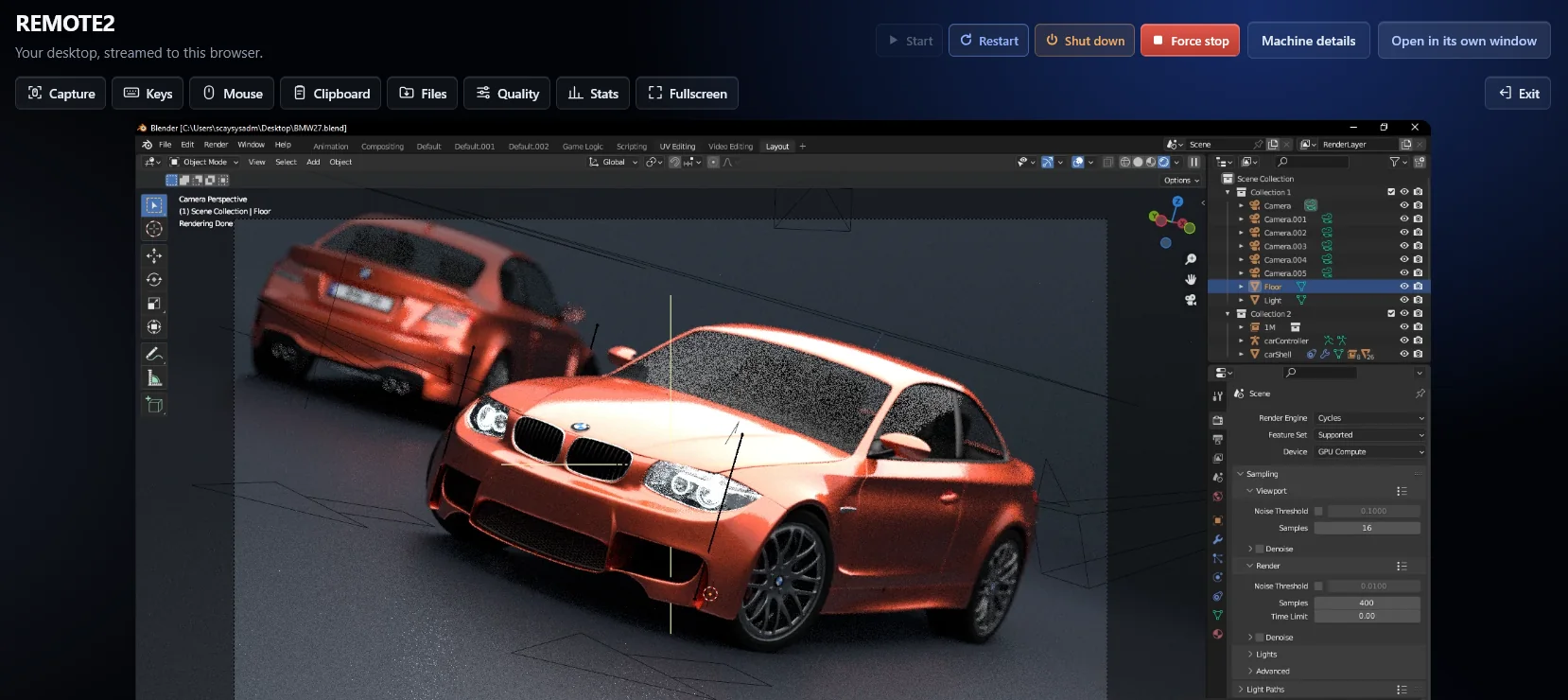
One Windows or Linux desktop with your programs and files, opened in a browser tab on whatever you have at hand. Close the tab at work, open it at home, and everything is where you left it.
An example machine costs 9.78 credits an hour (≈ 0.10 EUR).
The same desktop on every device
The machine runs on our servers; only the picture, sound and your keyboard and mouse travel. A cheap laptop, a tablet or a phone becomes a full workstation, and nothing is lost when that device breaks or stays at home.
Smooth enough to work on all day
Machines with a graphics card stream in up to 4K at 120 frames per second with low latency. The toolbar shares the clipboard, moves files in both directions and switches to full screen. For the lowest latency there is also the free Moonlight app.
Pay only while you use it
There is no monthly plan. A machine is billed by the minute while it exists, and a stopped machine costs a fraction of a running one. Resize it when you need more cores, memory, disk or graphics.